CORE VIDEO SKILLS
IN AS FAST AS FOUR WEEKS
( NO NEW EQUIPMENT OR EXPENSIVE SOFTWARE NEEDED )

Registration Closes 08/07/26 (11:59PM EST)
00
DAYS
00
HOURS
00
MINS
00
SECS
What will I learn?
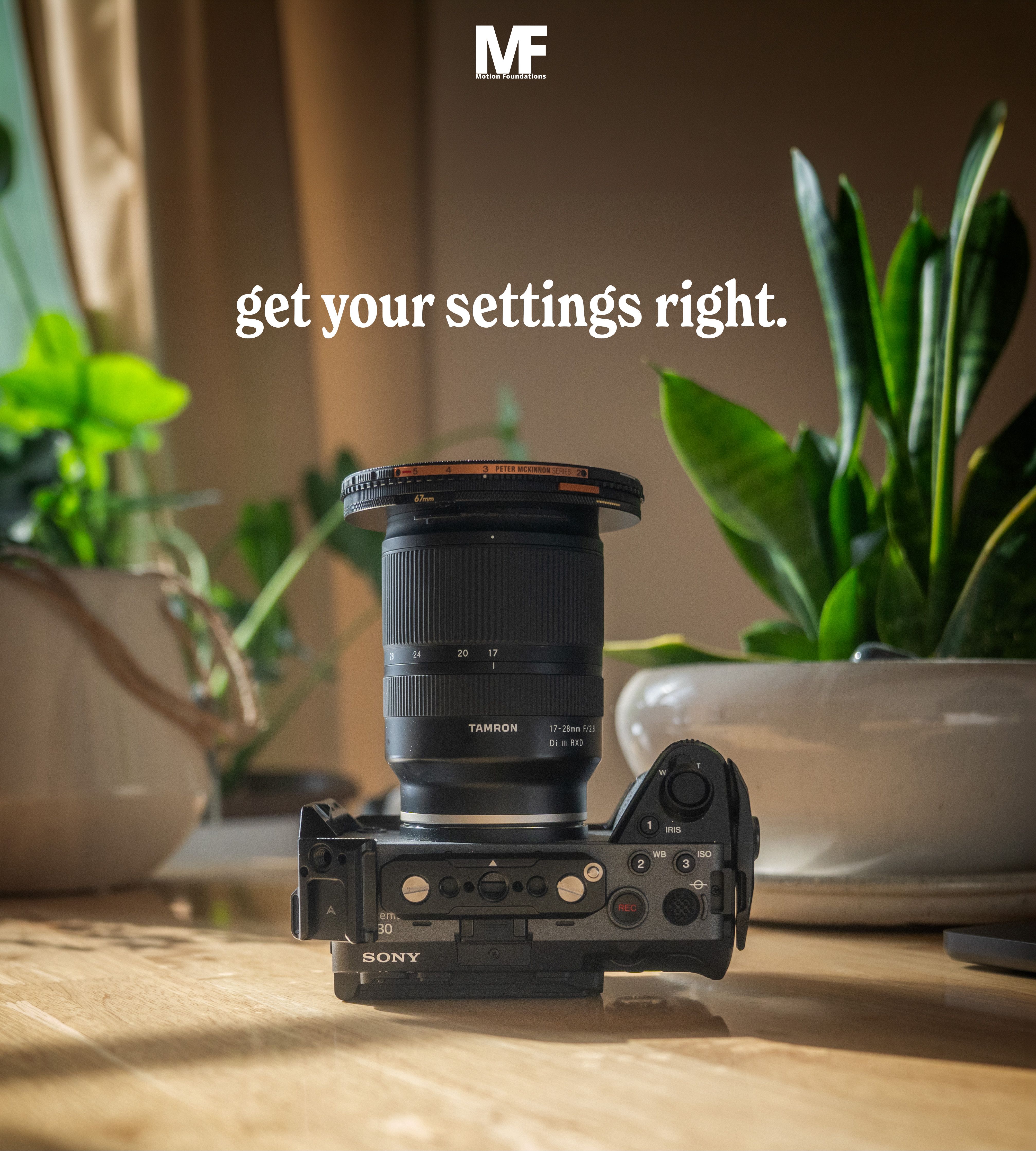
SETTINGS.
CAMERA SKILLS.
EDITING BASICS.
In as little as four weeks you can cruise through all of the content you need to start capturing, editing, and posting your own video content with confidence, but it doesn't have to be so rushed. With both self driven pre-recored content and eight weeks of live sessions, and Q&A submissions you can go at whatever pace works for you.
THE GOAL?
Get comfortable with video and build it into your business.
I'm ready to learn!
How long will it take?
You can cover everything in as little as four weeks!
The pre-recorded coursework can be covered in as little as four weeks without having it take over your life. This is the fastest recommended pace as one of the most important things you can do when learning something new is putting your new skills into action!
What if that's too fast?
That's fine! Here's how the different courses stack up...
- Everyone gets lifetime access to the pre-recorded content.
- Live + Q&A Students - 8 weeks of live sessions and pre-recorded Q&As, lifetime monthly Live Q&A sessions.
- One on One - 8 weeks of weekly 1-hour coaching calls, access to all of the Live + Q&A sessions, and all pre-recorded content.
You can take as much time as you want to complete the pre-recorded content, and have my support for 8 weeks for both the Live + Q&A course as well as the One on One options. This is double the amount of time needed to complete the course at a moderate pace. Nice and easy, no stress on timing, and we got your back!
Let's do this!
Breaking New Ground Coursework
-
Camera Settings
10 lessons- 1. The Gameplan
- 2. Resolution, Frame Rate, and Shutter Speed
- 3. In-Camera Slow Motion
- 4. Color Settings - Get the MOST out of your clips
- 5. Autofocus and Stabilization - Get your hand held clips right.
- 6. Offloading and Organization
- 7. Get out there! (Or stay in)
-
Camera Specific Setup Guides
- Video Settings for Sony Cameras
- Video Settings for Nikon Cameras
- Video Settings for Canon Cameras
-
Filming Techniques
7 lessons- 1. Welcome to Filming Techniques
- 2. The Core Five - The Essential Shots For Any Video
- 3. Camera Angle & Over the Shoulder
- 4. Movement - Camera & Subject
- 5. Behind the Scenes Capture
- 6. Stabilizing Hand Held Video
- 7. What next?! Prep for editing Week 3!
-
Editing Basics
14 lessons- 1. Welcome to Intro to Editing
- 1.5 Custom Keyboard Shortcuts
- 2. Introduction to Video Editing
- 3. The "Edit" Page & Importing Footage
- 4. More Hotkeys & Shortcuts
- 5. Placing Clips in the Timeline
- 6. The Extended Edit
- 7. Welcome to Epidemic Sound
- 8. Adding Music to Your Videos
- 9. Voiceovers and Sound Effects
- 10. Editing to Music
- 11. Intro to Color Correction
- 12. Exporting Your Videos
- 12. Intro to Editing Summary
-
Delivery & Use
10 lessons- 1. Welcome to Week 4
-
Vide for your Website
- 2. Introduction
- 3. Selecting the Right Footage
- 4. Selecting the Right Music
- 5. Voiceover, Pacing, and Your Message
- 6. Uploading and Embedding On Your Site
-
Videos for Social
- 7. Using Trending Audio
- 8. Reuse Your Footage
- 9. Trial Reels
-
Client Videos
- 10. Videos for Clients
Who are you anyway?
Who are you anyway?
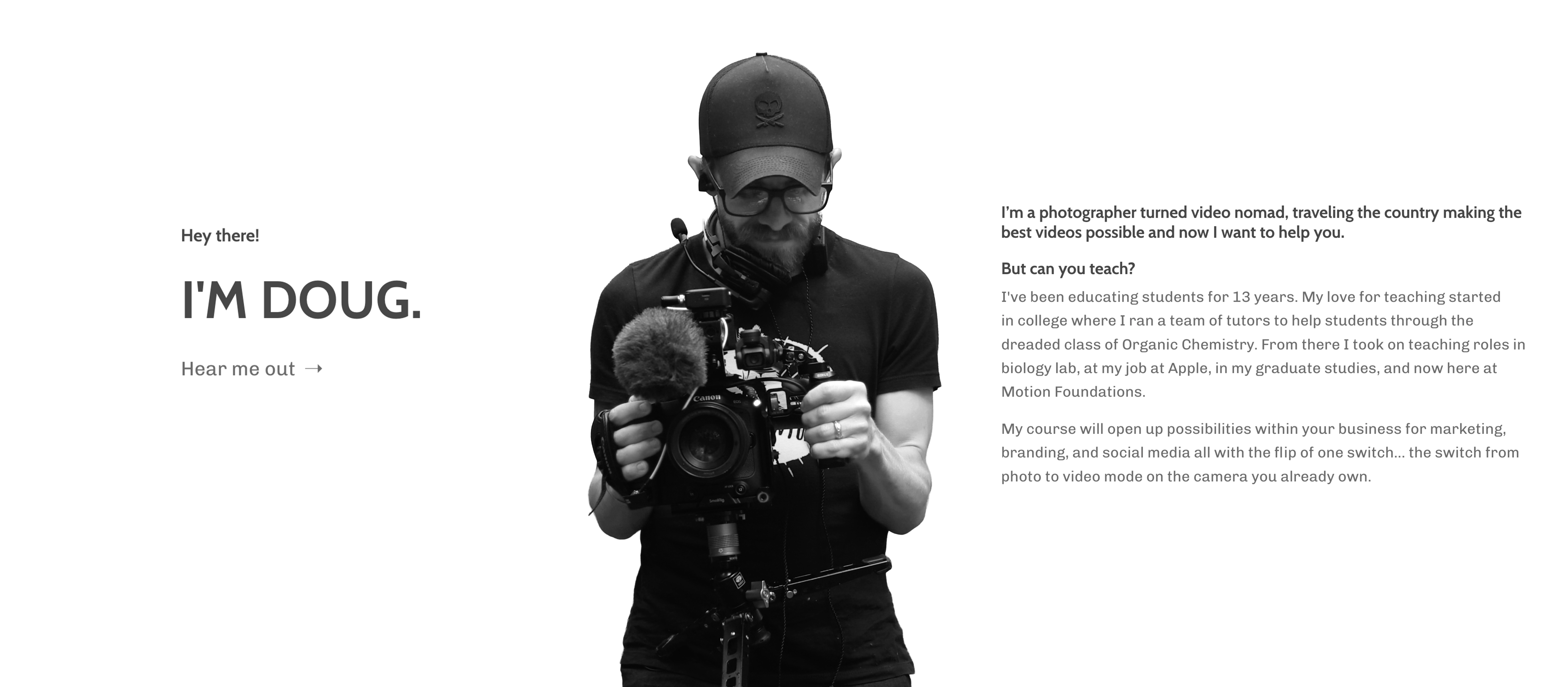
I'M DOUG.
Hear me out ➝
I’m a photographer turned video nomad, traveling the country making the best videos possible and I want to help you.
Can you teach?
I've been educating students for 13 years. My love for teaching started in college where I ran a team of tutors to help students through the dreaded class of Organic Chemistry. From there I took on teaching roles in biology lab, at my job at Apple, in my graduate studies, and now here at Motion Foundations.
My course will open up possibilities within your business for marketing, branding, and social media all with the flip of one switch... the switch from photo to video mode on the camera you already own.
This sounds great, but...
We all have reasons why we can't jump into something new, even though we KNOW it could help our business.
I'm too busy!
My schedule is crazy!
I'm nervous it will be over my head!
I've never used my camera for video!
I'm not sure I'll commit myself to this!
That's why we've made three ways to learn!
Alright, Show Me More!
What others have said...

Nicole Hrustyk
(Founding Member)
“ I learned more than I expected to learn and I've even made a change to how I shoot portraits and events! I love how this course was set up to allow for incremental learning, instead of forcing all the things at once.”

Lenora Stein
(Founding Member)
"When I've attended a live Q&A and asked a question, you immediately understood the question I was trying to ask. You then explained it in a very logical, step by step manner including a visual drawing/graphic. You were excited to answer the question and truly help me understand in a way that I could apply in my process. "
Colin Scott
(Founding Member)
"What worked really well was your kindness and thoughtfulness in your replies that were kind, positive and inclusive."
Who We've Filmed For




Appearances and Mentions



Three ways to learn.
(Sign ups close 08/07/26, Courses go live 08/08/26)
00
DAYS
00
HOURS
00
MINS
00
SECS